How to play
Short answer: open www.csbrasil.online in a desktop browser, click to lock the mouse and play - no download, install or signup. WASD moves, the mouse aims, left click shoots and right click opens the scope. Each round lasts 1:39, the default is 4v4 against bots and 3 rounds win the match.
In 6 steps
01 · Open the game in a desktop browser
Go to www.csbrasil.online on Chrome, Edge or Firefox. No download, no install, no signup - the arena loads right in the tab.
02 · Pick a nick
The nick is 2 to 14 characters and stays saved in your browser: it’s the name shown on the match scoreboard and in kill announcements. Not required to play.
03 · Pick a faction and a character
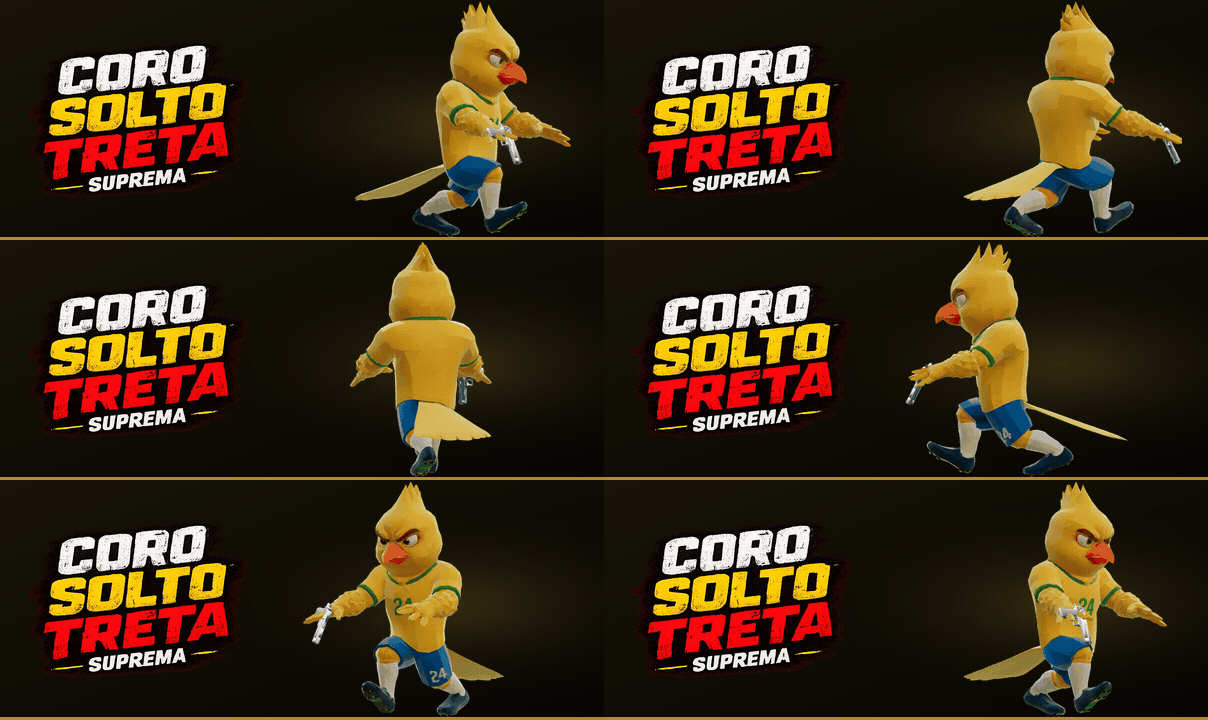
10 factions in the catalogue, 6 already playable: TIME E, TIME B, TRIBOS URBANAS, PALHACOS, FUNKEIROS, MITICOS. Every character uses the same competitive base - your pick is style, not advantage.
04 · Pick the map and the mode
Six arenas: Praça dos Três Poderes, Piscina da Treta, Loja H (Estacionamento), Ferro Velho do Zé, Quebrada (Rua do Baile), Lajes (Comunidade). Two open in rounds and four in Capture the Flag, but you can switch any map’s mode before starting. Team size is yours too: from 1v1 up to 8v8, with 4v4 as the default.
05 · Aim, crouch, shoot
WASD moves, the mouse aims, left click shoots and right click opens the scope. Crouching with Ctrl (or C) makes your aim much steadier - it’s the difference between hitting and missing with a no-scope AWP.
06 · Win the round
Rounds last 1 minute and 39 seconds; the team with more kills when the clock hits zero takes the round. Three rounds win the match, and the fifth round is the cap - if nobody reaches three, whoever has more rounds wins.
Multiplayer tutorial
Use a desktop browser with a mouse and keyboard to play with other people. Multiplayer is in beta.
- Open MULTIPLAYER. Choose MULTIPLAYER on the home screen. The game checks the servers and highlights the region with the lowest ping.
- Join a match. Click QUICK PLAY to join an open room. You can also pick a room from the list, choose a team with an open slot, or spectate.
- Play with friends. The room creator can copy an invite code or link. Open PRIVATE SERVER to paste the code into the invite field, or open the link. A private room also requires its password.
- Create a room. Open PRIVATE SERVER and CREATE MY ROOM. Choose a name, maps, teams, mode, players per team, and a password. Click CREATE AND JOIN, copy the invite in the dialog, then enter the room. Uncheck PRIVATE ROOM to create a public room.
In a match, WASD moves, the mouse aims, Tab opens the scoreboard and M switches teams when a slot is available. Bots fill the room’s configured slots.
Controls
| Key | Action |
|---|---|
| W A S D | Move |
| Mouse | Aim |
| Shift | Run |
| Ctrl ou C | Crouch - makes your aim much steadier |
| Espaço | Jump |
| Clique esquerdo | Shoot |
| Clique direito | Scope (weapons with sights) / ADS |
| R | Reload |
| 1 / 2 / 3 | Primary / pistol / knife |
| Z / X / V | Voice commands (CS-style radio) |
| M | Switch teams at any time |
| Tab | Scoreboard |
| Esc | Pause |
Rules
- Format: 4v4 by default - you plus 3 allied bots against 4 enemy bots - with a 2.2 s respawn. In the menu, team size goes from 1 to 8 per side.
- Round: 1:39. The team with more kills when the clock hits zero takes the round; 3 rounds win the match, and the 5th round is the cap.
- Capture the Flag: four flags. It’s the default on Loja H (Estacionamento), Ferro Velho do Zé, Quebrada (Rua do Baile), Lajes (Comunidade). Any map accepts any mode. In CTF the round ends by capture, not by the clock.
- AWP: kills with one shot anywhere on the body. It’s the only weapon in the game with that property.
- Multikill: 2 to 6+ kills in a row trigger Unreal Tournament-style announcements; 5 kills without dying is a killing spree.
- Scoreboard: your match stats stay saved in your browser and show up in the game’s RANKING menu. The global ranking between players is off while the game is in alpha.
Tips that change the outcome
- The no-scope AWP is inaccurate on purpose: shoot standing still and crouched, or open the scope with the right button.
- The radar always shows allies, and enemies for 1.6 s when they fire. Noise is information.
- In Praça dos Três Poderes, the giant cracked voting machine in the middle is the best mid cover.
- Running (Shift) makes noise and costs you accuracy. Walk when you’re crossing an angle.
- With the knife out you move faster - it’s for rotating, not just for humiliating.
Frequently asked questions
Do I need to install or pay for anything?
No. The game is 100% free and runs straight in a desktop browser (Chrome, Edge or Firefox), with no download, no install and no signup.
What are the controls?
WASD moves, mouse aims, left click shoots, right click opens the scope, Ctrl (or C) crouches and steadies your aim, Shift runs, Space jumps, R reloads, 1/2/3 switch between primary, pistol and knife, Z/X/V open the voice commands, M switches teams and Tab shows the scoreboard.
How does a round work?
The default is 4v4 - you and 3 allied bots against 4 enemy bots - with a 2.2-second respawn. Each round lasts 1 minute and 39 seconds, and the team with more kills when the clock ends takes it. Three rounds win the match, with the fifth round as the cap. In the menu you can change team size from 1 to 8 per side.
Is there a global ranking?
Not yet. The game is in alpha and the global ranking is off until the scoreboard is trustworthy - publishing a leaderboard that can be forged would be publishing wrong numbers. Your match stats stay saved in your browser and show up in the game’s RANKING menu.
Does it work on mobile?
The game was made for desktop, with mouse and keyboard. On a touchscreen you’ll see a notice recommending you play on a computer.
Can I play with friends?
Yes. Open MULTIPLAYER and use QUICK PLAY, the room list, or an invite code or link. You can also create a public or private room and invite friends.
Does the game take a political side?
No. It’s light satire distributed equally to all sides, with no gore and no hate, and 100% fictional characters. Urban Tribes, Funkeiros, Mythics and the new cultural factions are not political sides.